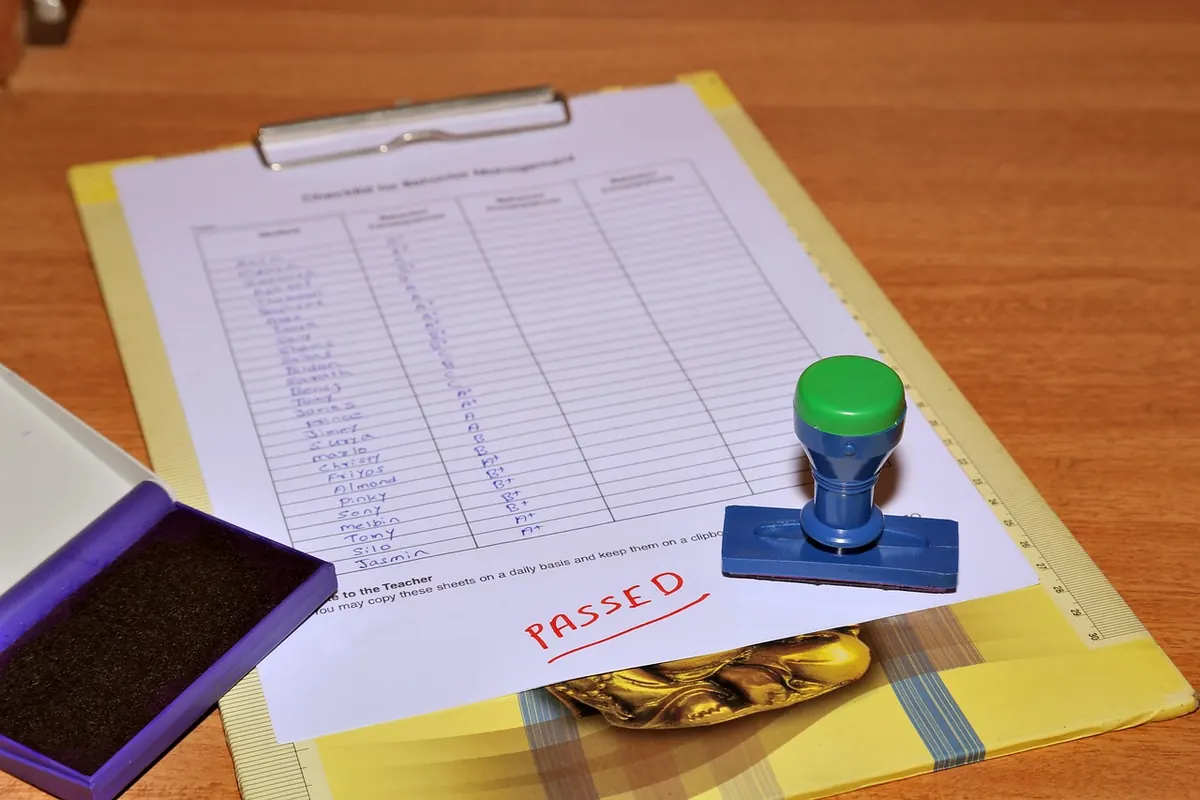
A weekly review is the maintenance work that keeps a Notion workspace from turning into a museum of good intentions. Miss it for three weeks and your task database fills with dates that came and went, project pages lose their owners, and the real plan quietly moves back into your head. The fix is unglamorous and quick: twenty to thirty minutes, same order every time, checklist in hand.
Below is a ten-step reset you can run inside Notion, along with a few small settings that make it hard to skip.
Set Up a Review Page Before You Start
Before your first review, create one page that does nothing else. Call it Weekly Review. Inside it, add a date property, a short to-do list of the ten steps below, and two empty lines at the bottom headed “What worked” and “What to change”.
Why a dedicated page rather than a checklist in your head? Because a review that lives in a page leaves a trail. After a month you can read back through four reviews and spot the pattern: the same project slipping, the same tag you never use, the same goal you keep avoiding. That is information memory will not give you.
The Ten-Step Weekly Review Checklist
- Empty every inbox. Your main Notion inbox, any quick-capture page, plus the notebook you scribbled in on Wednesday. Sort each item into one of four piles: task, note, reference, or nothing. If you cannot decide in ten seconds, it is a note — file it and move on.
- Triage loose notes. Meeting notes go into the relevant project page. Half-finished ideas go into a single ideas list, not scattered across five pages. Anything you would not read again next month gets archived.
- Close out last week’s tasks. Filter your task database for everything due before today. Mark it done, or give it a new date. Nothing should leave this step with a date in the past.
- Rescue the stuck items. If a task has slipped three times, the problem is not your calendar — it is the task itself. Rewrite it as a smaller next action, hand it to someone else, or delete it and accept that it is not happening.
- Check every active project. Open your projects database and sort by last edited. For each live project, confirm one thing: what is the next single action? If there is no answer, set the status to Paused or Done. A project without a next action is one you have quietly abandoned.
- Line projects up against goals. Read your quarterly goals, then look at what you actually worked on this week. If the two lists do not overlap, decide which one is wrong. Change the goal or change the week; do not leave the mismatch there to irritate you.
- Prune the someday list. Skim it quickly. Keep what still appeals, delete what does not. A someday list of two hundred items is guilt with tags attached.
- Tidy your properties. Select and status fields drift badly. Merge duplicate tags, remove options nobody uses, and check that archived pages are not still linked to active ones. Ten minutes here saves hours later.
- Pick three priorities for the week. Three, not ten. Put them somewhere you will see on Monday — a callout at the top of your dashboard works well. Everything else is secondary by definition.
- Close the loop. Write two lines: what went well and what to change. Then set the date for the next review so it lands in your task list rather than in hope.
Three Settings That Make It Stick
Consistency comes from removing friction, not from willpower.
- Duplicate last week’s page. Notion has no native repeating page, but duplicating your review page and updating the date takes two clicks. Do it at the end of every review, while you are still sitting there.
- Add a linked view to your dashboard. A filtered view of tasks due in the next seven days, sitting next to your three priorities, means Monday morning starts with a decision instead of a search.
- Set a timer. Twenty-five minutes. When it rings, stop, even mid-list. A review that regularly runs to ninety minutes will be the first thing you drop in a busy week.
What Trips People Up
Three habits hollow out a weekly review. Doing it on a different day each week, so it never becomes routine. Reviewing a system you no longer trust instead of fixing the part that broke. And treating the review as a chance to design perfect weeks — the point is to adjust, not to write fiction.
If the same unresolved item keeps surfacing, treat that as a signal rather than a failure. Either commit to it with a date and a first action, or remove it. Carrying something forward week after week is deferral with paperwork.
Your Twenty-Minute Reset
Pick a slot you can defend: Friday at four, or Sunday evening with a cup of tea. Open your review page, start the timer, and work down the list in order. If you run out of time, stop and finish tomorrow — but do not skip step three, because tasks with past dates quietly undermine everything built on top of them.
After four or five reviews, read back through the pages you have created. You will see which projects actually move, which goals you keep returning to, and which parts of your setup you never touch. Cut what you never touch. The best Notion workspace is not the most elaborate one; it is the one you sit down with every week and finish.
Photo: HarinathR / Pixabay